Now that we’ve covered QR Codes in the last step, let’s swiftly move to the next one, where I’ve added a crucial tip for you. Inside “more options,” you’ll find extra details like gender, region, and status. We’re about to learn the quick and easy steps to fill them up. Ready? Let’s dive in!
Edit More options
- Go to Me
- My profile
- Press on More
- There are more edits available:
Gender: Choose Male/Female. No other option is available here.
Region -Most contacts have a random region and do not write their living location. For example, you can write your dream destination here or a Chinese city name to attract more Chinese friends.
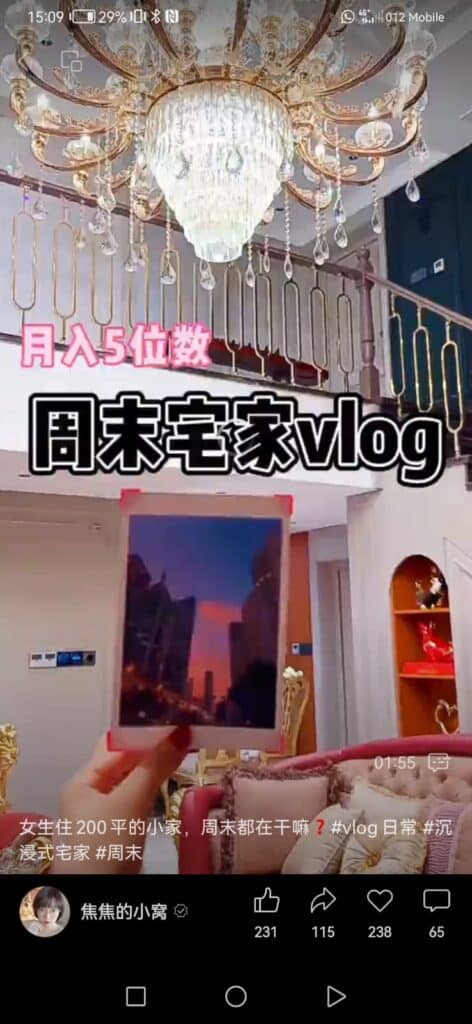
WhatsApp – It’s not your WhatsApp number! When viewing your moments, this is your chance to write a beautiful phrase that will appear under your picture. Write your life motto here. “You only Live Once.” My tip for you is to use it to promote yourself! This is a great chance to write your business name and phone number. Why not write about the service that you can provide? For example – “looking for a tour guide in Shanghai? Call me to xx.” or “sign up for my market tour this Friday!”
We’re adding some personal touches – Gender, Region, and a bit of WhatsApp spice! If you’ve been keeping up, your WeChat profile is looking good.
Next up, let’s make sure your WeChat stays safe. I’ll guide you through security settings. It’s not just about security; it’s about keeping your digital journey smooth. We’ll also cover what to do if you accidentally get locked out – no worries, it happens.
Grab your notes as we look at security settings. See you in the next step!